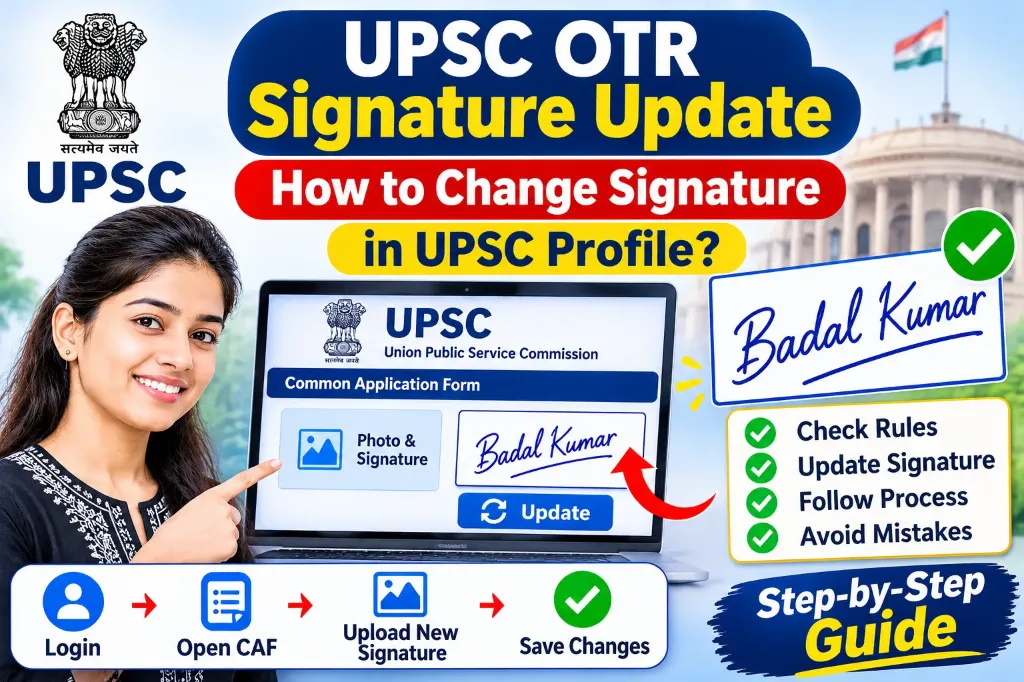
Can You Update Your Signature in the UPSC Profile?
Yes, you can update documents in your UPSC Common Application Form, including your signature, subject to the portal’s instructions.
According to the current UPSC Examination Division FAQ, all documents related to the Common Application Form can be uploaded at any time.
However, there is an important condition:
Important: Any changes made to Common Application Form documents will be applicable from the next examination you apply for.
This means that updating your signature in your profile does not automatically replace the signature in an examination application that you have already submitted.
For example, suppose you applied for the UPSC Civil Services Examination and later discovered that your uploaded signature was incorrect.
You may update the signature document in your Common Application Form for future applications. However, you should not assume that the new signature will automatically replace the one attached to your already submitted Civil Services application.
The rules of the particular examination and its correction facility will determine whether an existing application can be changed.
Important Update: UPSC Has Replaced the Old OTR System
Before changing your signature, you should understand the current UPSC registration system.
On 28 May 2025, UPSC introduced a new online application portal for registration and examination applications. The Commission announced that the old One Time Registration module would no longer be applicable for new applications.
The new portal has four main sections:
| Portal Section | Purpose |
|---|---|
| Account Creation | Create your UPSC account using your email and mobile number |
| Universal Registration | Enter identity and educational board details |
| Common Application Form | Fill personal details, educational information, and upload documents including your signature |
| Examination | Check notifications, apply for examinations, and track application status |
The signature upload option is available under the Photo & Signature section of the Common Application Form.
Therefore, candidates searching for an old OTR signature update option should use the new UPSC application portal:
Official portal: https://upsconline.nic.in/
How to Update Signature in UPSC Profile: Step-by-Step Guide
Follow these steps to update your signature in the new UPSC online application system:
Step 1: Visit the Official UPSC Application Portal
First, open the official UPSC online application website at https://upsconline.nic.in/. Make sure you are using the official website and not an unofficial registration or document-upload service.
Step 2: Log In to Your UPSC Account
Click the Login option available on the portal. You can generally log in using:
- Registered email ID and password.
- Registered mobile number and OTP.
- Universal Registration Number and password, where applicable.
Complete the required verification to access your candidate dashboard.
Step 3: Open the Common Application Form
After logging in, navigate to your Common Application Form. This section contains your common candidate information, which is used when applying for different UPSC examinations.
You will find different profile modules, such as:
- Personal Profile
- Parents’ Profile
- Social Category Profile
- Disability Profile
- Address
- Educational Profile
- Employment Experience Profile
- Previous UPSC Examination Profile
- Photo & Signature
Select the Photo & Signature option.
Step 4: Open the Signature Upload Section
Now locate the signature upload area. Check the existing signature carefully.
If the portal provides an upload or replace option, select it to upload your new signature image. Make sure the new image belongs to you and follows the current UPSC upload instructions.
Step 5: Prepare and Upload Your New Signature
Before uploading, prepare your signature image according to the official specifications.
The general UPSC portal instructions specify:
- File format: JPG.
- File name:
signature. - File size: 20 KB to 100 KB.
- Image dimensions: 350 to 500 pixels, according to the upload instructions.
- Background: Clean white paper.
- Pen: Black ink.
For the Civil Services Examination 2026, the notification specifically requires candidates to sign three times, one below another, on plain white paper using black ink. The signatures must be clear and legible.
Always follow the specific examination notification because signature requirements may vary by examination.
Step 6: Preview Your New Signature
After uploading the image, carefully check its preview.
Make sure:
- The signature is clearly visible.
- All required signatures are included.
- No portion is cut off.
- The image is not blurry.
- The file meets the permitted size and format requirements.
If the image is incorrect, replace it before completing the upload process.
Step 7: Save the Updated Details
Follow the instructions displayed on the portal to save or submit your updated Common Application Form details.
After completing the process, revisit the Photo & Signature section and verify that the new signature is displayed. Keep a copy of the prepared signature image for your records.
Important: According to UPSC’s official FAQ, updates to Common Application Form documents apply from the next examination you apply for. Do not assume that changing this profile document modifies an application that has already been submitted.
What If You Cannot Find the UPSC Signature Update Option?
Sometimes candidates log in to their accounts but cannot find the option to replace their signatures.
There can be several reasons:
- You are checking an old OTR portal instead of the new application portal.
- You have opened Universal Registration instead of the Common Application Form.
- You are checking an examination-specific application rather than the common profile.
- The portal is temporarily facing a technical problem.
- You have not completed the required registration stages.
Try the following steps:
- Open the new UPSC application portal.
- Log in using your registered account details.
- Check the Common Application Form.
- Locate the Photo & Signature module.
- Follow the upload and update instructions displayed there.
If the upload option is still unavailable, contact UPSC through its official helpdesk. Do not create a second UPSC account just to replace your signature. UPSC requires candidates to maintain their existing account and Universal Registration details.
Can You Change Your Signature After Submitting a UPSC Application?
This is one of the most important questions for candidates who have already submitted their examination forms. The answer depends on the particular examination and its correction rules.
There are two different situations:
Situation 1: You Want to Update Your Signature for Future Examinations
You can upload updated documents in the Common Application Form according to the current UPSC instructions. The official Examination Division FAQ states that changes to CAF documents will apply from the next examination applied for. Therefore, you can prepare your updated signature for future applications.
Situation 2: You Want to Change the Signature in an Already Submitted Application
Updating your Common Application Form does not automatically modify a previously submitted examination application. You should check the examination notification to find out whether a correction facility is available.
For example, the UPSC Civil Services Examination 2026 notification states that candidates are not allowed to withdraw their applications after submission and that corrections, alterations, or modifications to the submitted application are not allowed.
Other UPSC examinations may have different instructions. If your application has already been submitted with an incorrect signature, contact UPSC immediately and explain the issue. Do not assume that a profile update will correct the old application.
UPSC Signature Image Requirements
Candidates should prepare their signatures according to the official instructions provided on the UPSC online application portal.
Here are the specifications mentioned in the portal’s published signature-upload instructions:
| Requirements | Signature Details |
|---|---|
| Image format | JPG |
| File name | signature |
| Minimum file size | 20 KB |
| Maximum file size | 100 KB |
| Image dimensions | 350 to 500 pixels, as specified in portal instructions |
| Paper | Plain white paper |
| Pen | Black ink |
| Image quality | Clear and legible |
For Civil Services Examination 2026, candidates must sign three times, one below another, on plain white paper using black ink. A signature image should not be blurry or difficult to identify.
Before uploading, check the latest instructions under the Photos and Signature section of the UPSC portal.
How to Contact UPSC for Signature Update Problems
If you are unable to update your signature or have submitted an incorrect signature in an examination application, you can contact UPSC through its official communication channel.
The UPSC Examination Division provides the following email address for candidate correspondence:
Official Email: [email protected]
When sending an email, include the following details:
- Your full name
- Father’s name
- Date of birth
- Universal Registration Number
- Name of the examination
- A clear explanation of the signature-related problem
You may also attach relevant screenshots or supporting documents if required.
Sample Email for UPSC Signature Update
Subject: Request for Assistance Regarding Signature Update in UPSC Account

Dear Sir/Madam,

I am a UPSC candidate and I need assistance regarding the signature uploaded in my Common Application Form.

I want to update my existing signature because the previously uploaded image is incorrect.

My details are as follows:
Name:
Father's Name:
Date of Birth:
Universal Registration Number:
Examination Name:

I request you to kindly guide me through the correct procedure for updating my signature.

Thank you for your assistance.

Regards,
Candidate Name
Important: Sending an email does not guarantee approval of a signature correction in an already submitted application. Follow the instructions provided by UPSC.
Official Links for UPSC OTR Signature Update
Always use official UPSC resources to verify registration and signature-related information:
1. UPSC Online Application Portal:
https://upsconline.nic.in/
Use this portal for account creation, Universal Registration, Common Application Form, signature uploads, and examination applications.
2. UPSC Official Website:
https://upsc.gov.in/
Visit this website to check examination notifications, rules, press releases, and other important announcements.
3. UPSC Examination Division:
UPSC Examination Division Guidance
This page provides official guidance about the new application system, registration, candidate profiles, and application procedures.
4. UPSC Photo and Signature Upload Instructions:
Official Photo and Signature Upload Instructions PDF
This document explains photograph and signature preparation, file format, size, and image quality requirements.